


























Auto tracking
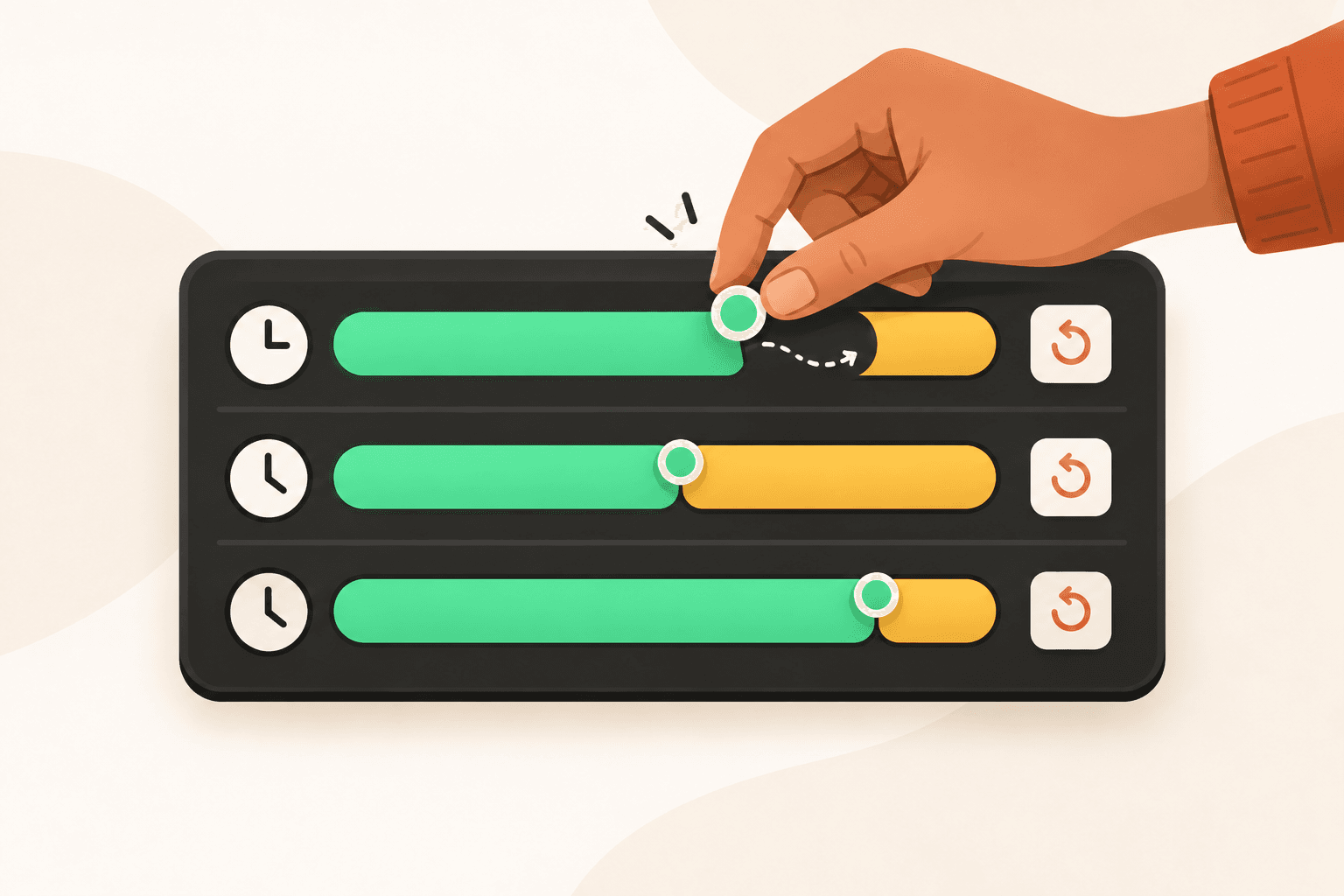
Start tracking when Flamely opens, or when you open an app you choose.
Choose which apps start the timer in settings.
Start tracking in one click. Flamely records time across your apps so you can see where your day went.
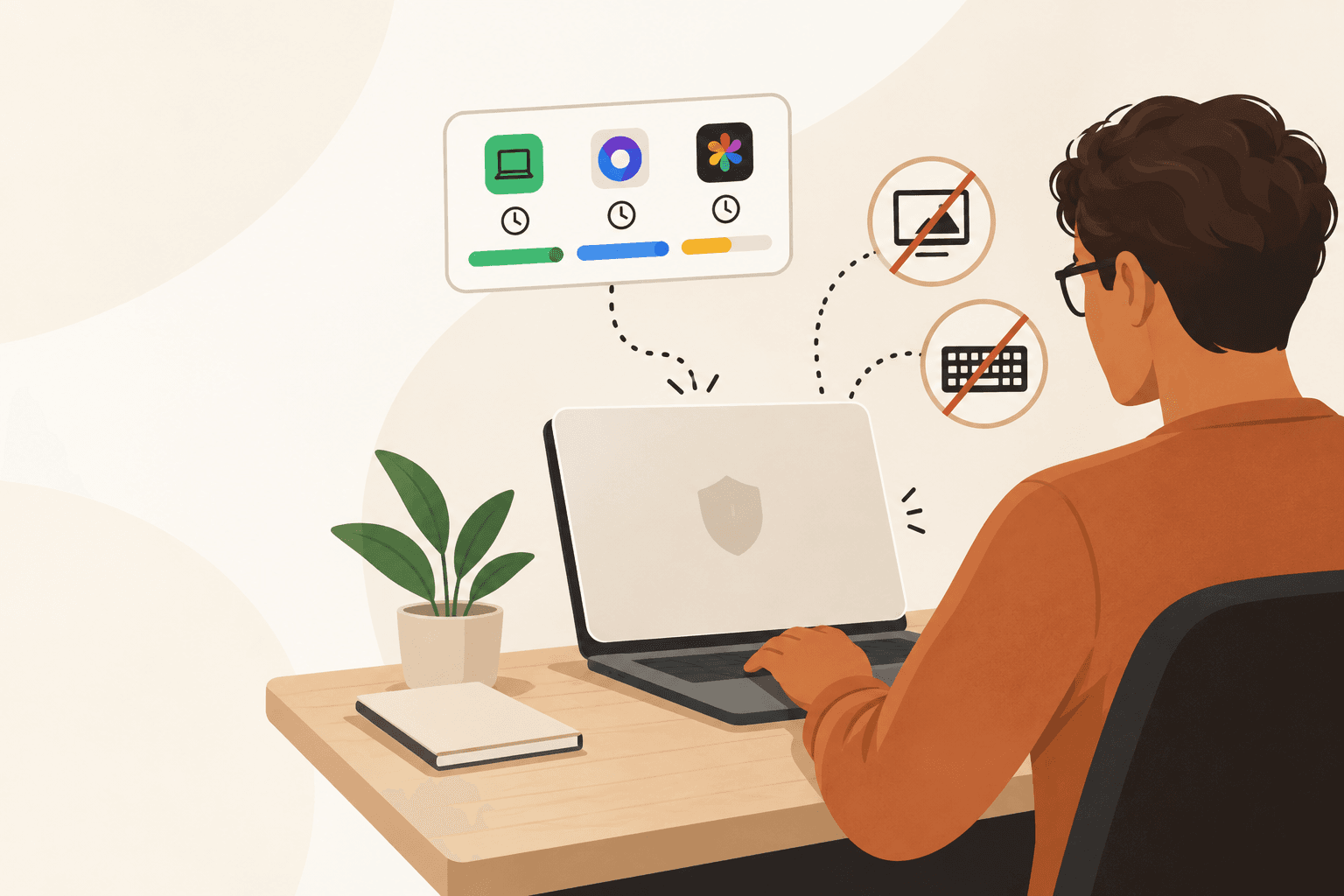
See your typing, clicks, and scrolling activity throughout the day.
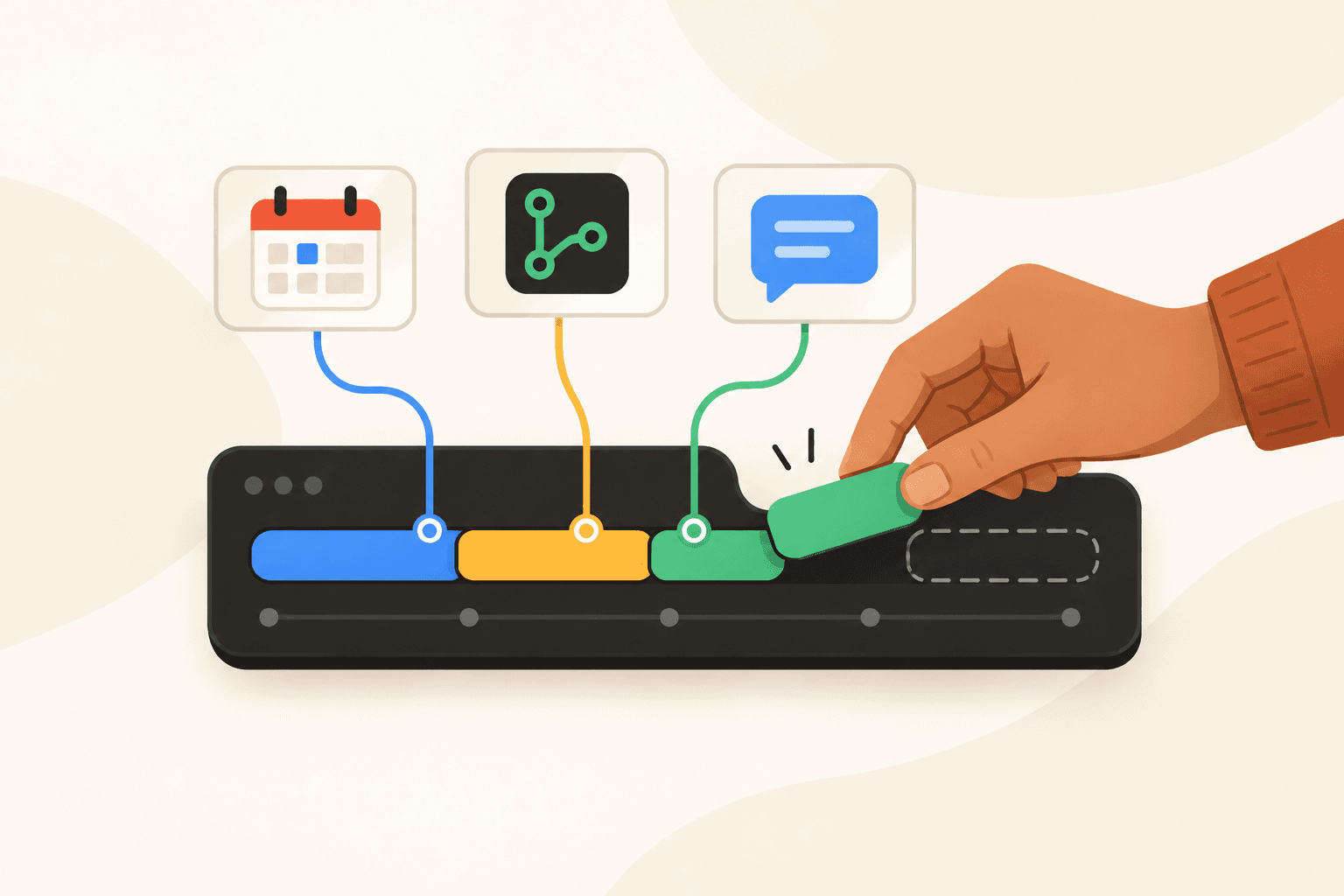
Create My project and choose its color. My client can have multiple projects. Choose hourly, fixed, or no billing. Estimate time and cost: 40 hours at $25 per hour is $1,000. Plan tasks for each project and track time spent in connected apps. Blender: 5 hours. Arc: 5 hours. Discord: 3 hours. Figma: 2 hours.
Start tracking when Flamely opens, or when you open an app you choose.
Choose which apps start the timer in settings.
See what a project earns after accounting for your time.
Use your actual costs and profit to set a better price for the next project.
See which hours have the most activity in your tracked day.
Compare activity by hour when planning your next work session.
See how long your work took compared with what you planned.
Spot the days you underestimated and make a more realistic plan for next week.
Flamely can start tracking when it opens, or when you open an app you choose. Your activity is recorded so you can review time spent in each app.
Choose when tracking starts in settings.Flamely tracks your time and app activity. It does not take screenshots or record what you type. Time data is stored on your device. Grow adds cloud sync and restore across devices.
No screenshots or keystroke recording.Free, Grow, and Pro are currently available without a credit card. The pricing page shows each plan's launch price. Annual billing will cost 20% less than monthly billing.
Early access costs $0 with either billing option.Flamely detects inactivity and separates it from productive time and breaks. You can review how much time you spent working, taking planned breaks, or away from your computer.
Work, idle time, and breaks stay distinct.Use Pomodoro, Deep Work, 52/17, or set your own session length. Breaks are tracked separately. Set a daily goal to see your candle burn down as you make progress.
Session and break lengths are adjustable.Create projects and assign the apps you use for each one. Review sessions in a time sheet or by app. Pro adds billable rates and time-sheet export.
Billable rates and exports are included in Pro.Choose your platform on the download page for the current build or release updates. An iOS version is planned.
Platform availability is listed on each download page.Pro is priced per member. Use the member count on the pricing page to see the combined launch price. Shared workspaces and member invitations are still in development.
Annual billing saves 20% for each member.Flamely can start tracking when it opens, or when you open an app you choose. Your activity is recorded so you can review time spent in each app.
Choose when tracking starts in settings.Flamely tracks your time and app activity. It does not take screenshots or record what you type. Time data is stored on your device. Grow adds cloud sync and restore across devices.
No screenshots or keystroke recording.Free, Grow, and Pro are currently available without a credit card. The pricing page shows each plan's launch price. Annual billing will cost 20% less than monthly billing.
Early access costs $0 with either billing option.Flamely detects inactivity and separates it from productive time and breaks. You can review how much time you spent working, taking planned breaks, or away from your computer.
Work, idle time, and breaks stay distinct.Use Pomodoro, Deep Work, 52/17, or set your own session length. Breaks are tracked separately. Set a daily goal to see your candle burn down as you make progress.
Session and break lengths are adjustable.Create projects and assign the apps you use for each one. Review sessions in a time sheet or by app. Pro adds billable rates and time-sheet export.
Billable rates and exports are included in Pro.Choose your platform on the download page for the current build or release updates. An iOS version is planned.
Platform availability is listed on each download page.Pro is priced per member. Use the member count on the pricing page to see the combined launch price. Shared workspaces and member invitations are still in development.
Annual billing saves 20% for each member.